
EMF 351 TV Station Operations
EMF 351 Television Station Operations Course Syllabus
Dr. Dave Reiss/Email: dreiss@towson.edu
Announcements
FINAL MAY POST
Participation/Attendance: 70% Grade
Attendance is required for in class TV Studio Productions.
TV Promo Edit: 30% Grade
Each student will edit a 30-second promo using Avid Media Composer or Adobe Premier from provided behind the scenes footage of the TV Studio as well as animated logos with music.
A second 30-second Promo using the final BTS and recordings in NOV and DEC,
OR any other type and length of video/audio project of your choosing.
UPLOAD Finals HERE: https://www.dropbox.com/request/yEhjyGizlQv5eeVUqnb2
Please Label with LASTNAME_TVOPS.mov
PREVIOUS POSTS
Reading Assignment before next class:
NEXT week's assignment screen and practice basic Avid Tutorial Videos:
Part 1: Project setup and Importing Media
PART 2: BINS and EDITING in Timeline
Practice in Avid Media Composers in Edit Lab Edit stations 1-6.
USE the Behind the Scenes media via dropbox:
USE the Behind the Scenes media via dropbox:
https://www.dropbox.com/scl/fo/q8bd1ebbtassqdnsyy20p/h?dl=0&rlkey=ylsdyg6we43t4um3xxkk21wrv
TV Studio Video/Stills media uploaded into NEW FOLDER Each Week w/ dates.
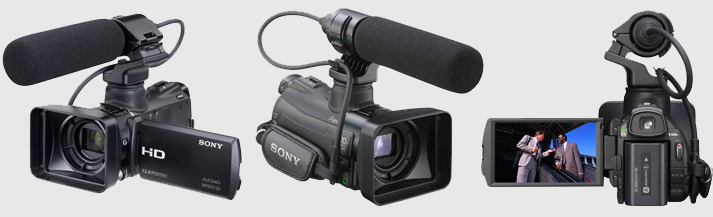
Inside the Folder are: Sony A & B Cam BTS video, Canon Stills & Video, and Program Recordings.
The Logos w/ music are in the folder Animation Music.
Start downloading media ands stills you like for use in editing your promo project throughout the semester!
Start downloading media ands stills you like for use in editing your promo project throughout the semester!
previous Semester POSTS----------------STOP HERE--------------
Link to Class regarding Resumes and Interviews:
Interview Questions
https://www.dropbox.com/s/egck6mzl2if3rs0/Interview%205%20Questions.pdf?dl=0
Production Resume
https://www.dropbox.com/s/3ykadwxfvslsntt/Revised%20Production%20Resume.docx?dl=0
Class UPDATE 10.17VML Edit Stations 02,04,07,08 & 10 have theAvid Media Composer software.These stations have been reserved during TUE 9a-12 class-time forBehind the Scenes media via dropbox are uploaded each week after class.
https://www.dropbox.com/scl/fo/q8bd1ebbtassqdnsyy20p/h?dl=0&rlkey=ylsdyg6we43t4um3xxkk21wrv
TV Studio Video/Stills media uploaded into NEW FOLDER Each Week w/ dates.
Inside the Folder are: Sony A & B Cam BTS video, Canon Stills & Video, and Program Recordings.The Logos w/ music are in the folder Animation Music.
Start downloading media ands stills you like for use in editing your promo project!------------Class Resources----------For anyone who would like to use Avid Media Composer at HOME - this is the link to the FREEAvid Media Composer Importing Media guide:
https://postproduction.emerson.edu/hc/en-us/articles/226003667-Importing-in-Avid
SiSo Website for making reservations:
PDF TUTORIALS MANUALS below.
Production Resume Example Word Doc
Interview Questions LINK
Adobe Editing in Premier
Screen both Vimeo links below
Part 1. https://vimeo.com/459113904
Part 2. https://vimeo.com/459114011
Final. https://vimeo.com/468692828
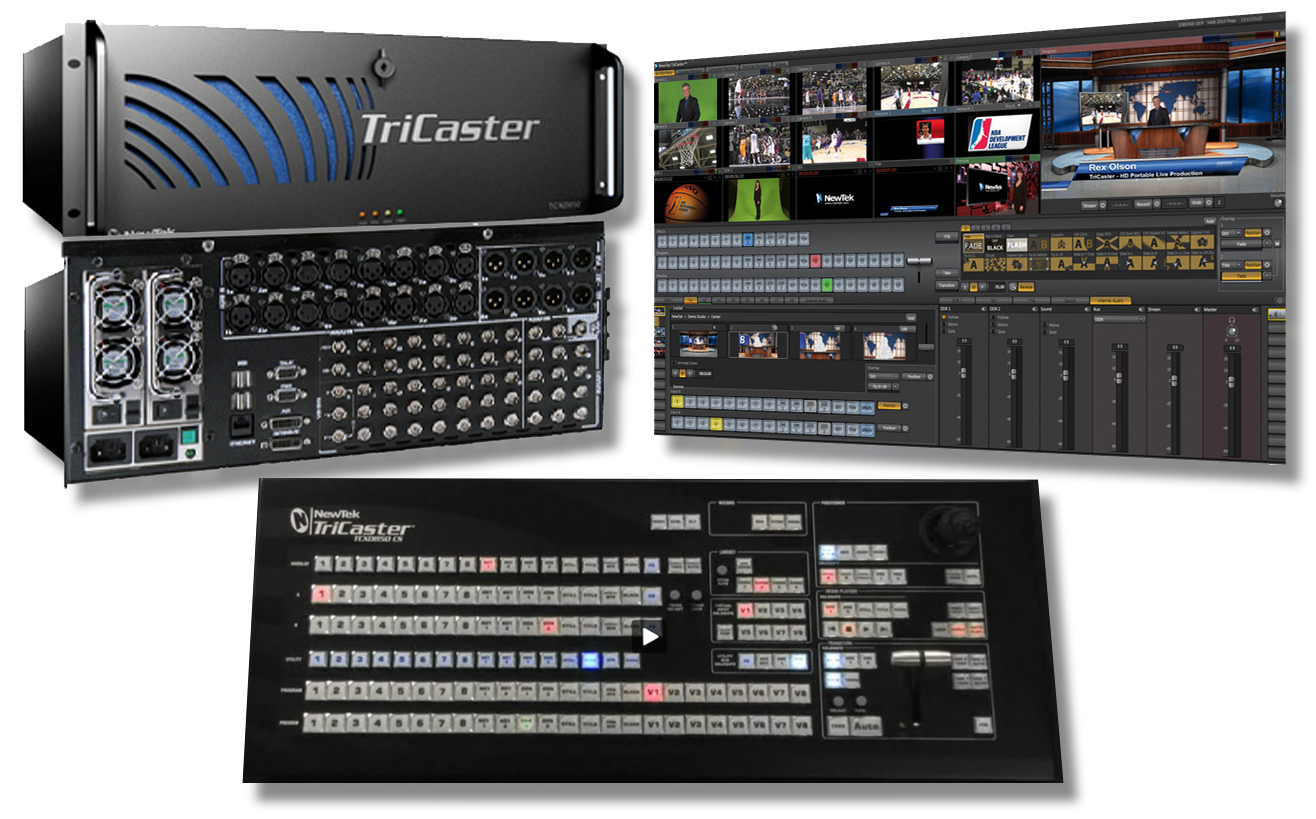
HDTV Studio's Tricaster 850 EXTREME
LINK TO MANUAL
Use this format for production internships and job applications!
Production Resume Example Word Doc
READING LINKS
Lens & Camera
Graphics & Design

Copyright 2019, David Reiss